Web · Dashboard · Freelance
CloudDonut — Cloud Computing Service
Web UI Design & User Flow Design
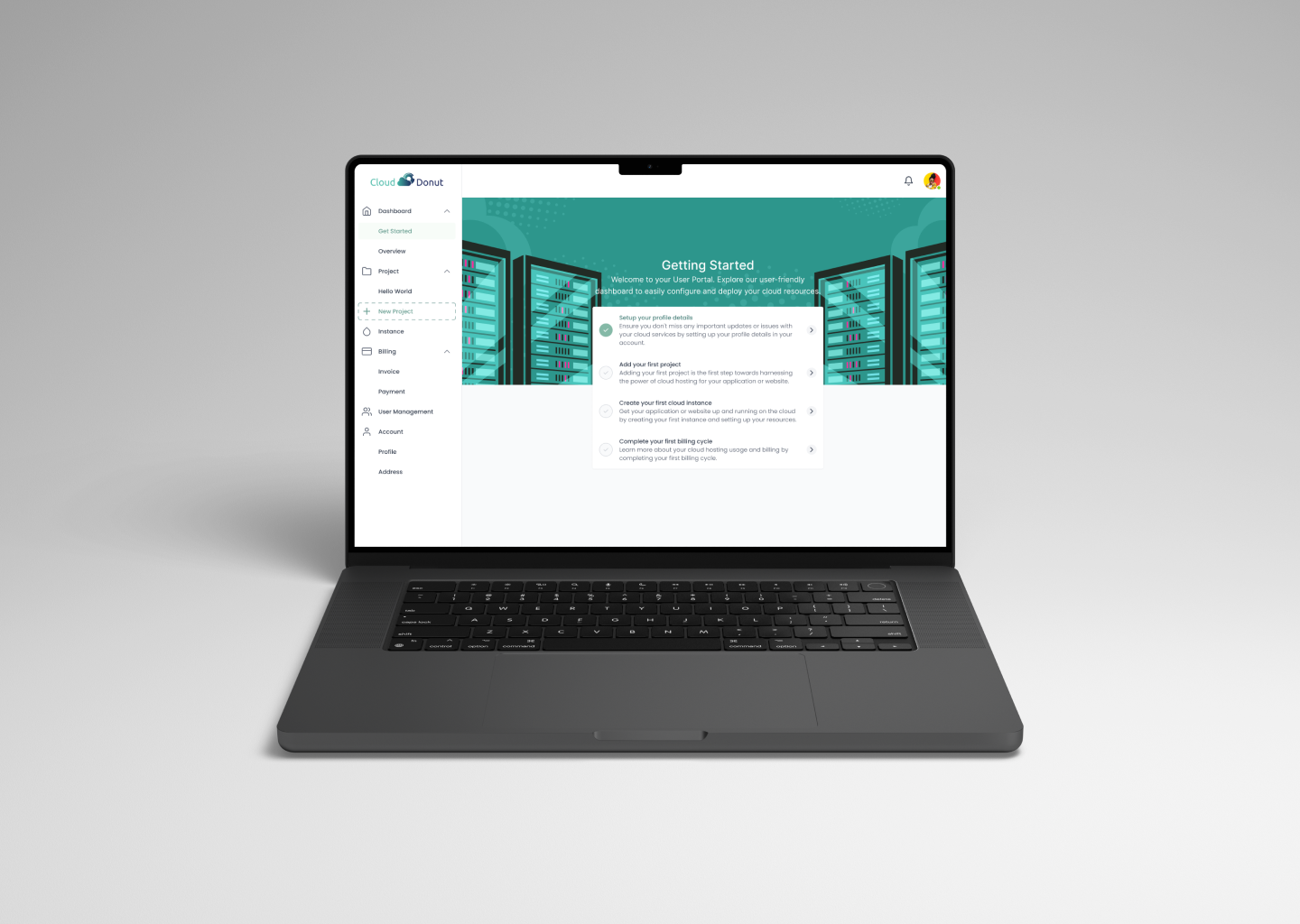
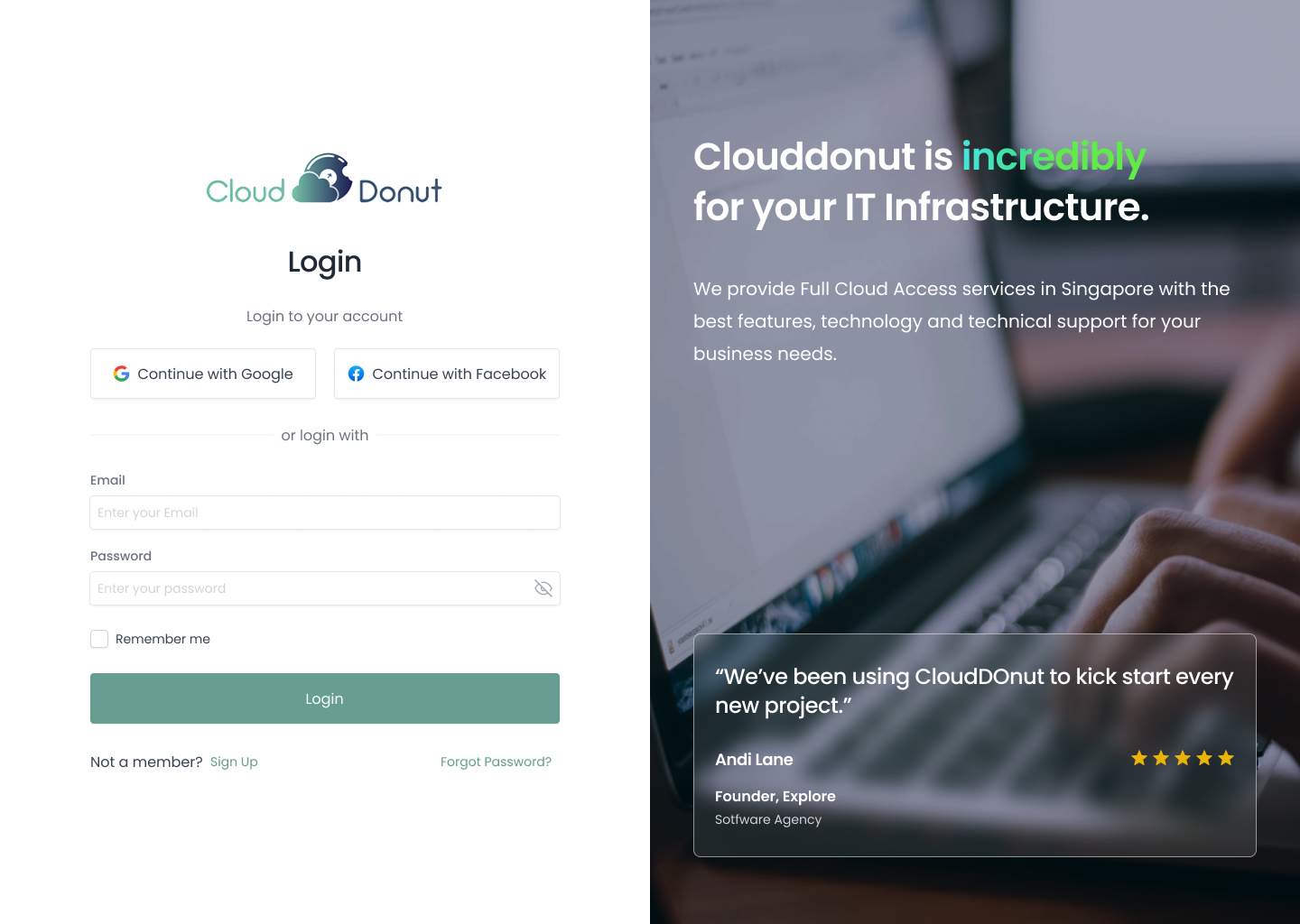
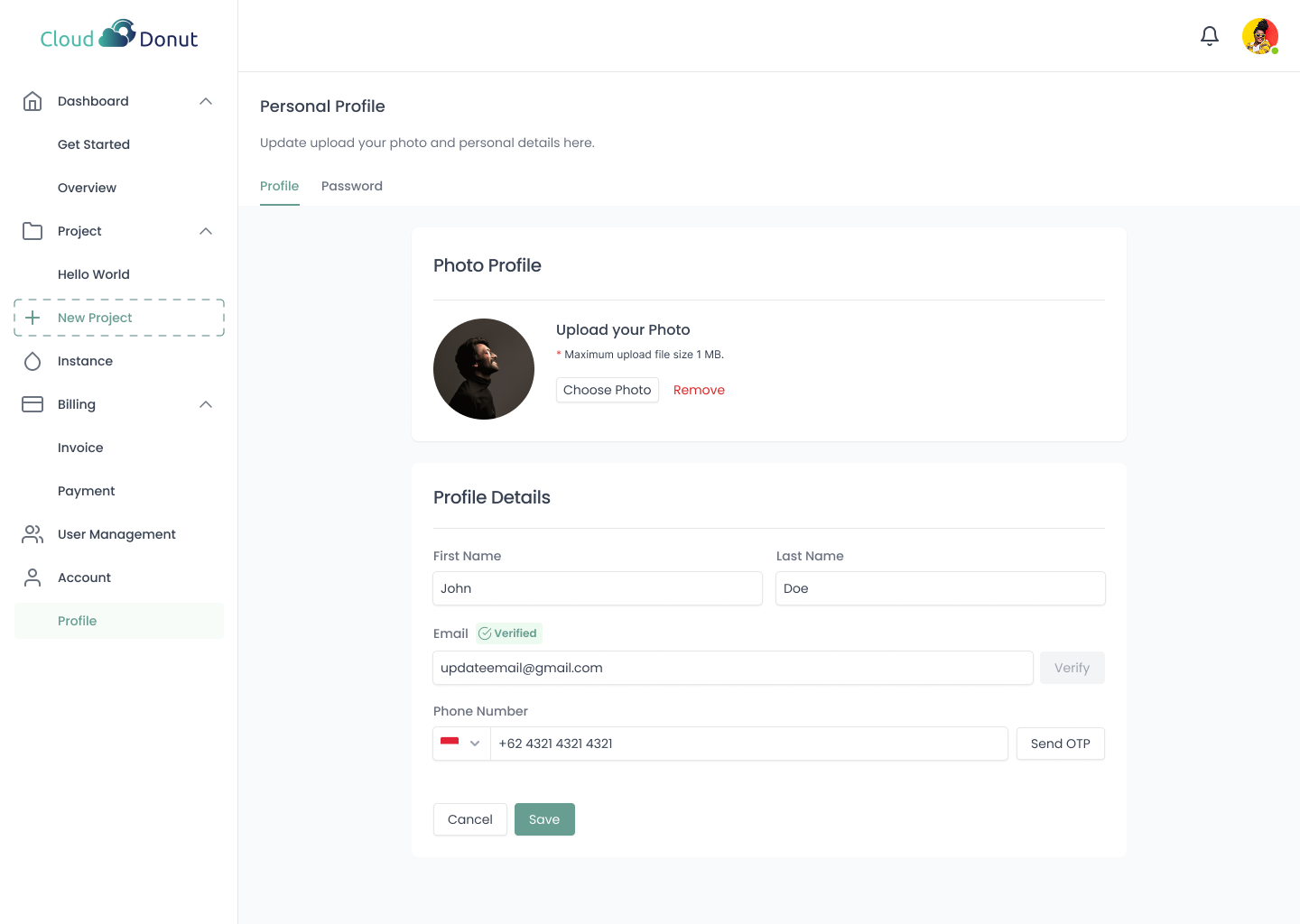
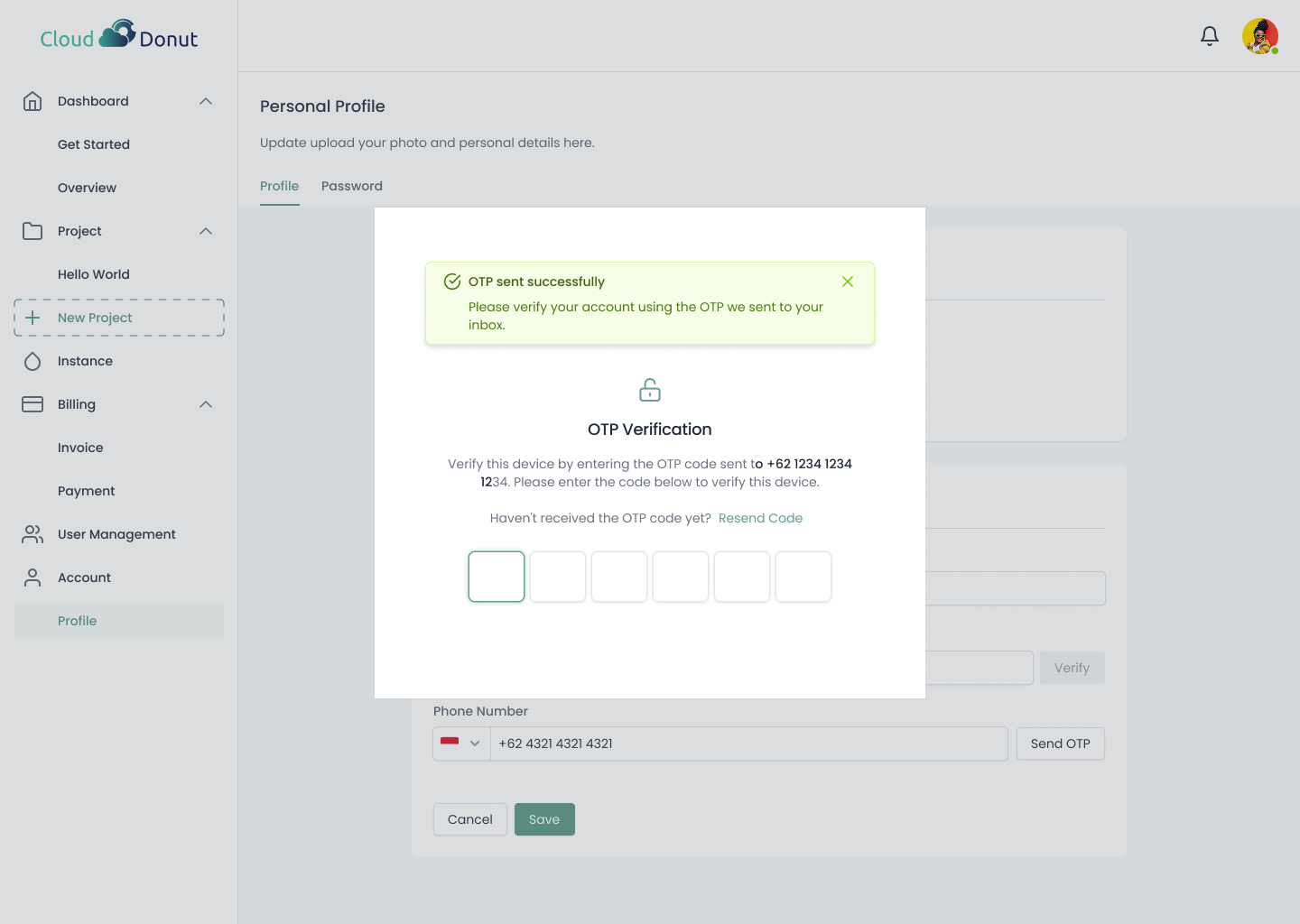
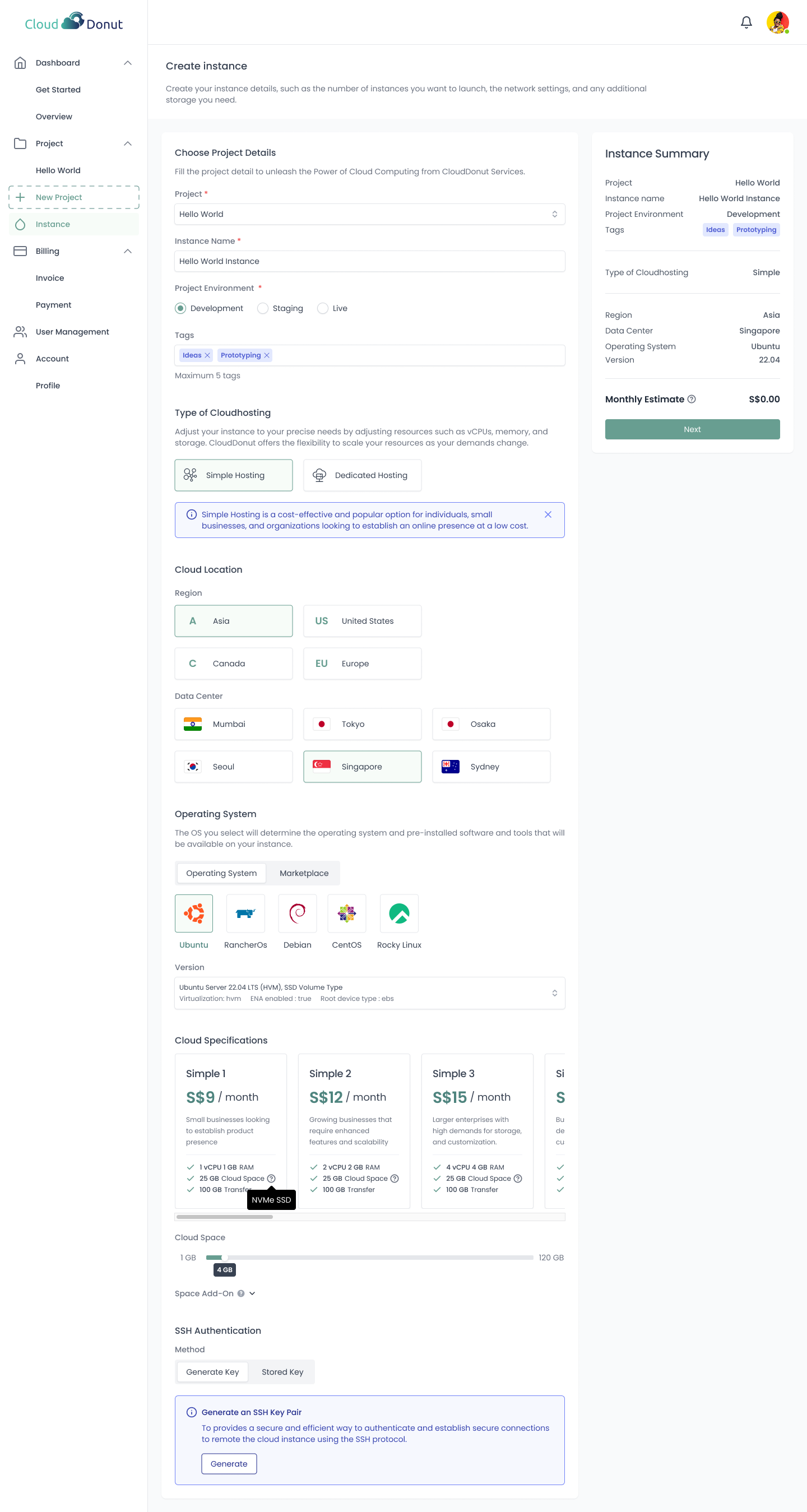
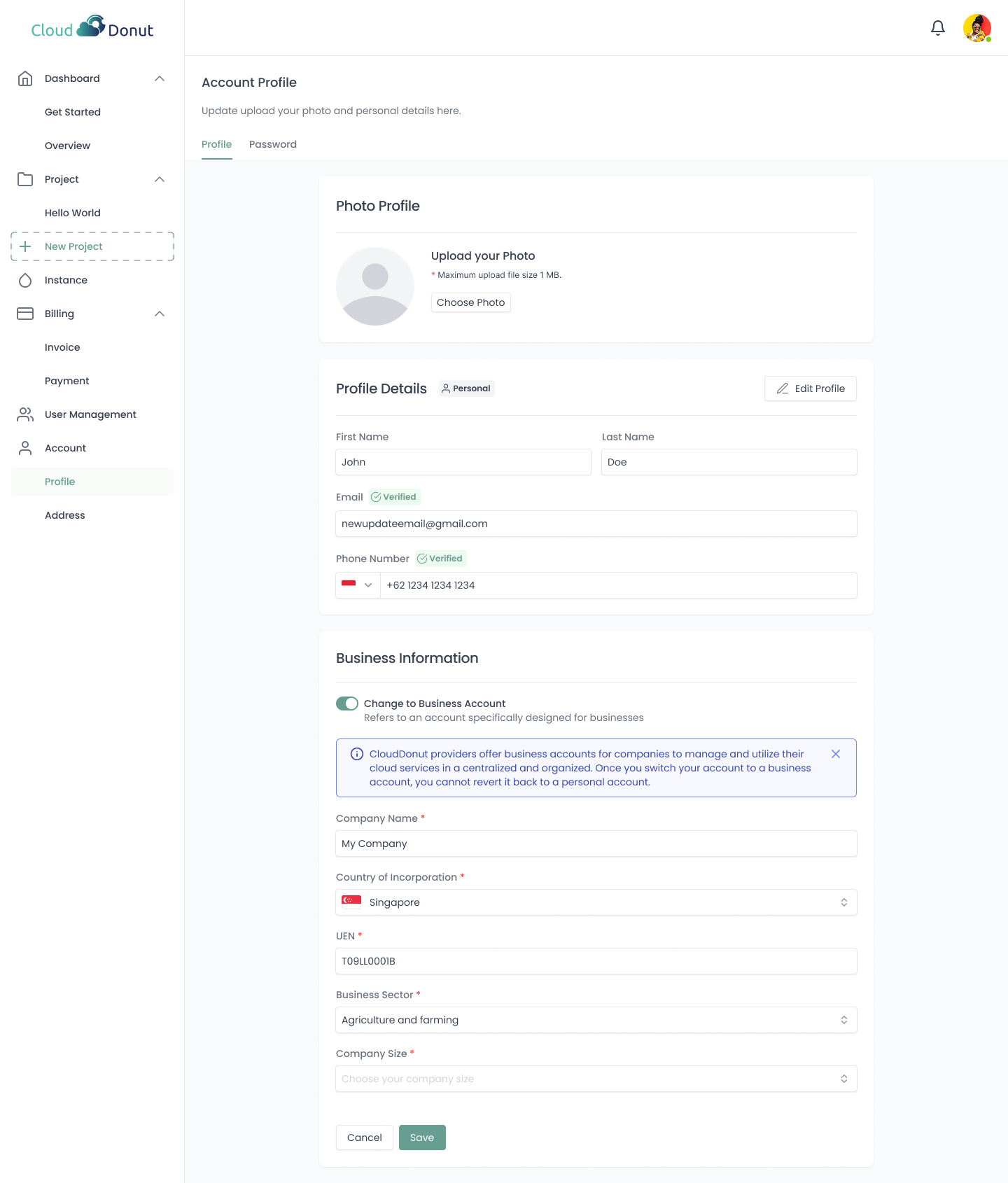
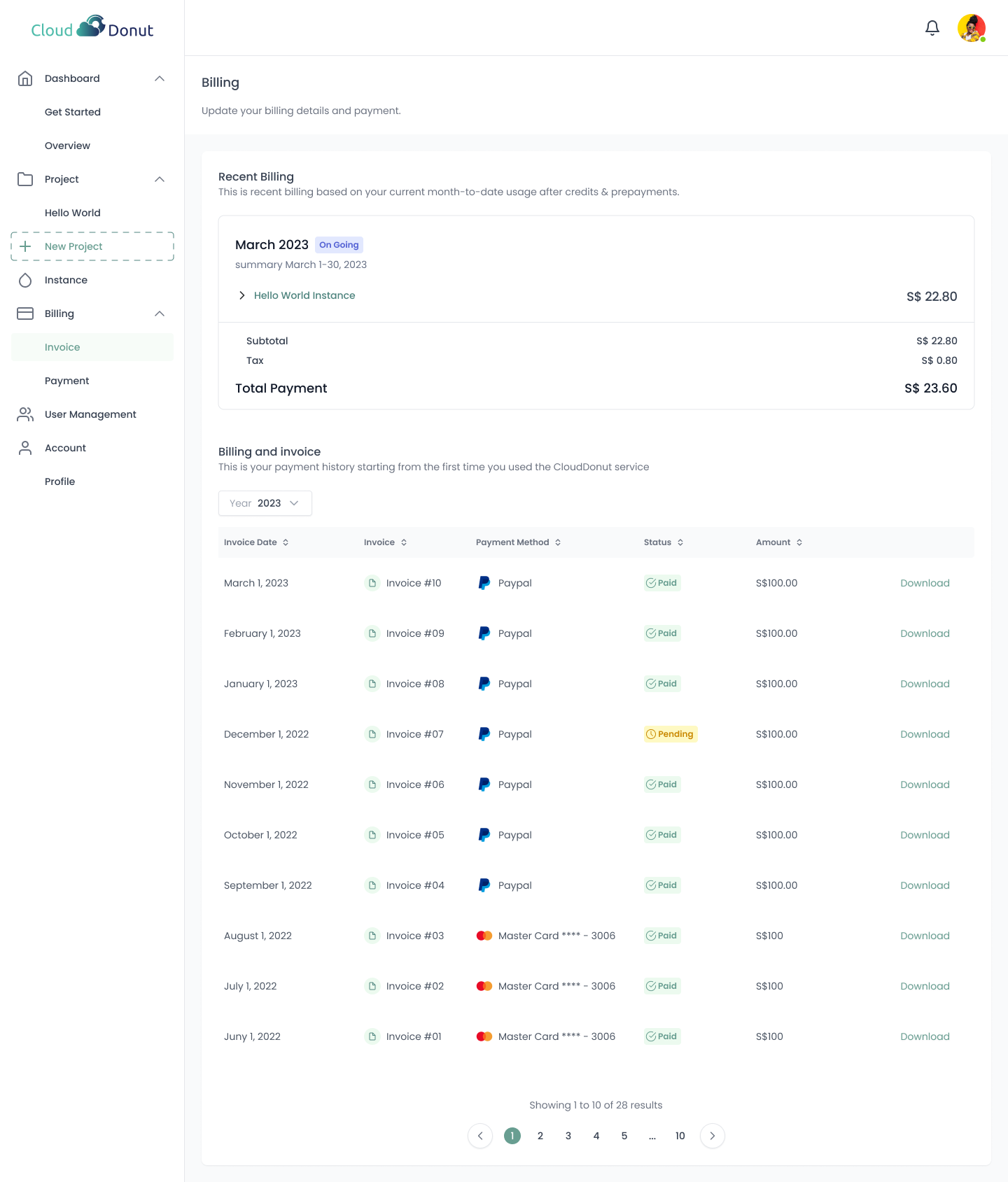
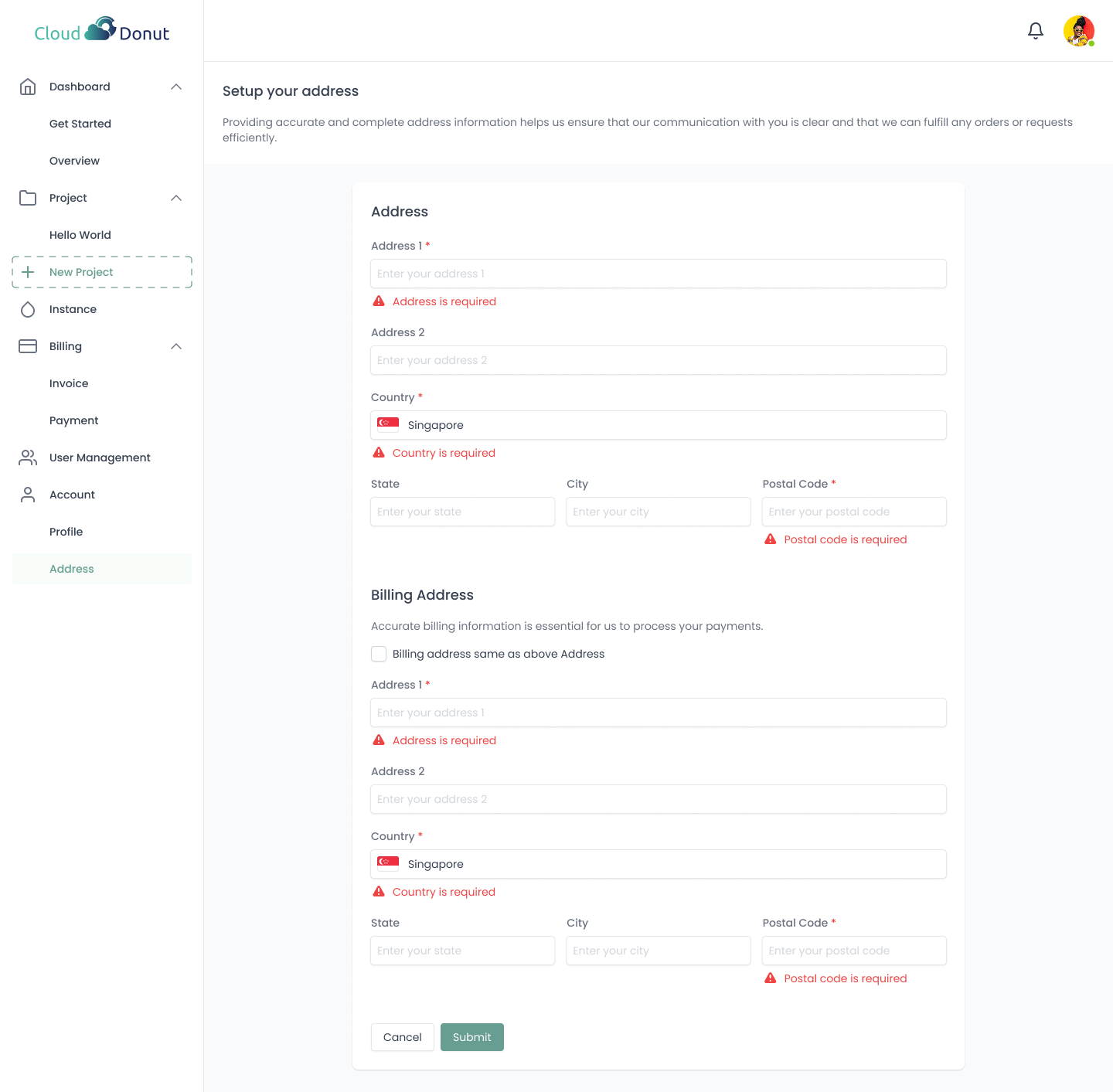
CloudDonut is a Singapore-based cloud computing service platform. I was responsible for end-to-end web UI design and user flow design — from information architecture and wireframing to final UI delivery and design quality check.
01 / Project Brief
Purpose, Role & Challenges
Purpose
- →Make cloud services easy to understand for users
- →Build information architecture and user flow design
My Role
- →Web UI & user flow design
- →Online communication with client
Challenges
- →Lack of domain knowledge in cloud computing (AWS, DigitalOcean, etc.)
- →All communication was fully remote / online
- →Freelance project running parallel to full-time job — time management required
- →Project scope was not clearly defined from the start
02 / Process
Design Process
Clarifying Scope
Feb 2023Since requirements were not clearly defined, I presented multiple UI proposals with pros/cons and effort estimates to align with the client.
- ·Presented multiple UI structure options
- ·Summarized pros/cons + effort per option
- ·Aligned on direction with client discussion
Information Architecture & User Flow
Mar 2023Since cloud services carry a high volume of information, I first built the IA then designed the user flow including both positive and negative cases.
- ·Built site map and IA from scratch
- ·Designed Positive Flow (goal completion path)
- ·Designed Negative Flow (errors, edge cases)
UI Design & Design Handoff
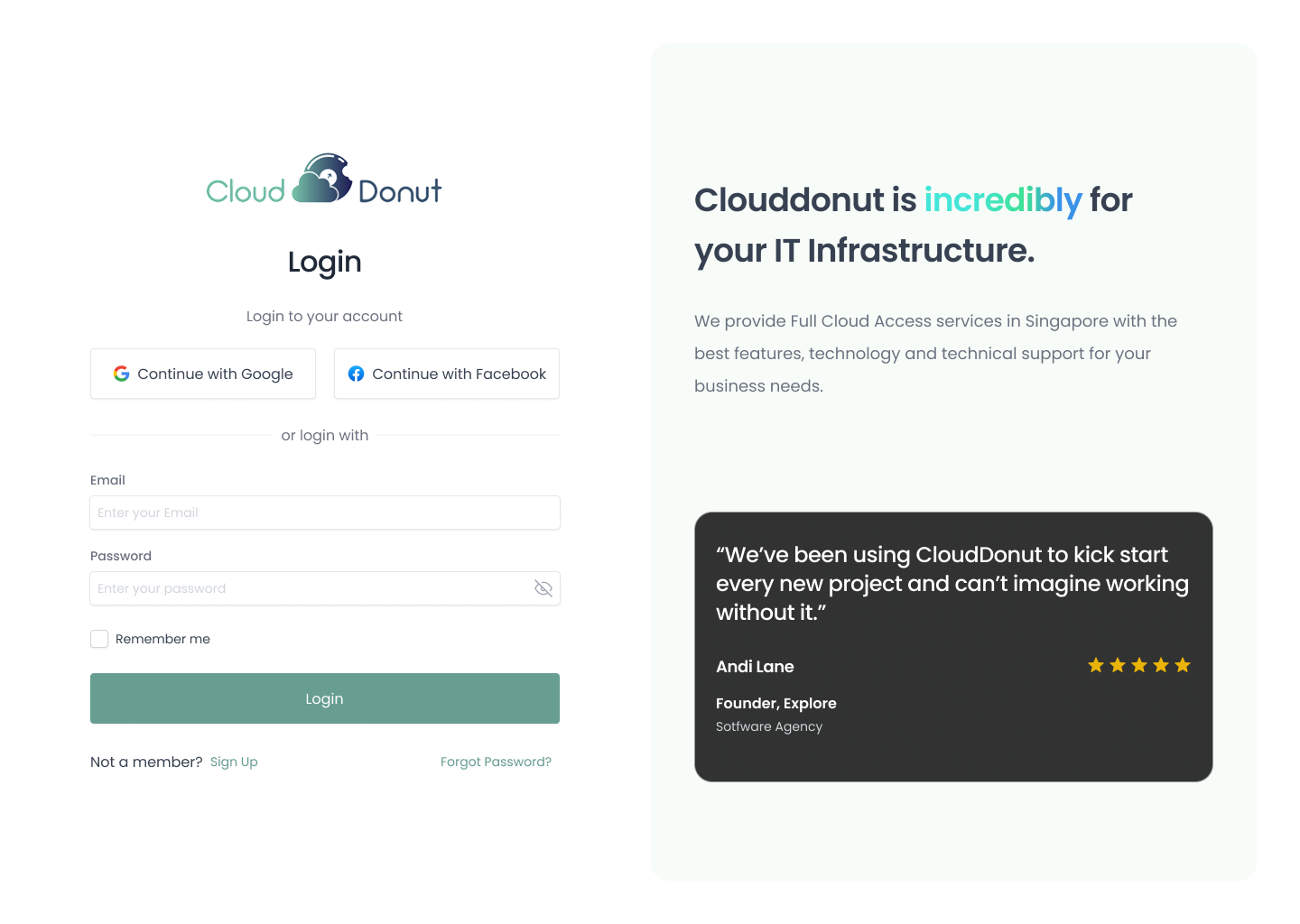
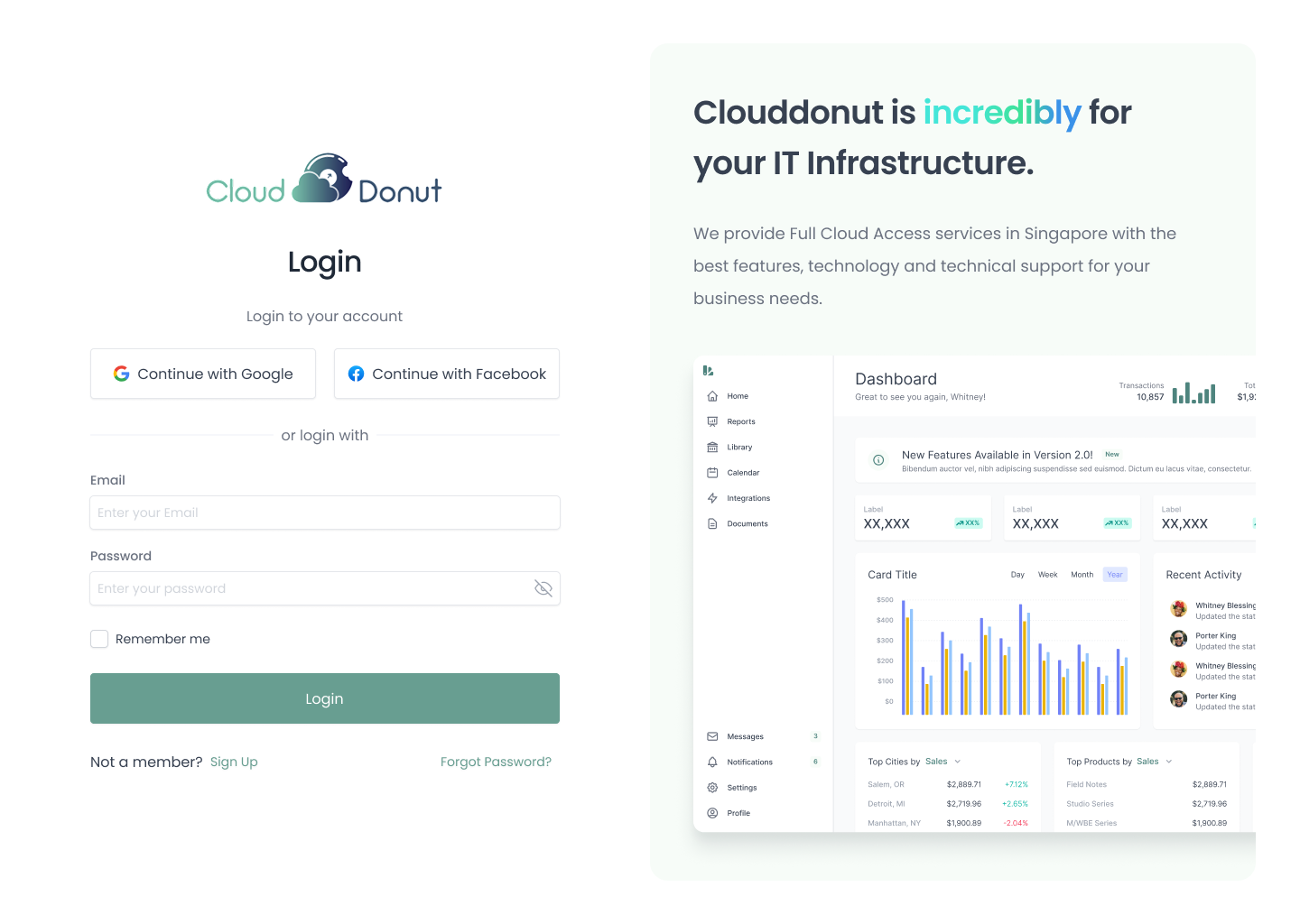
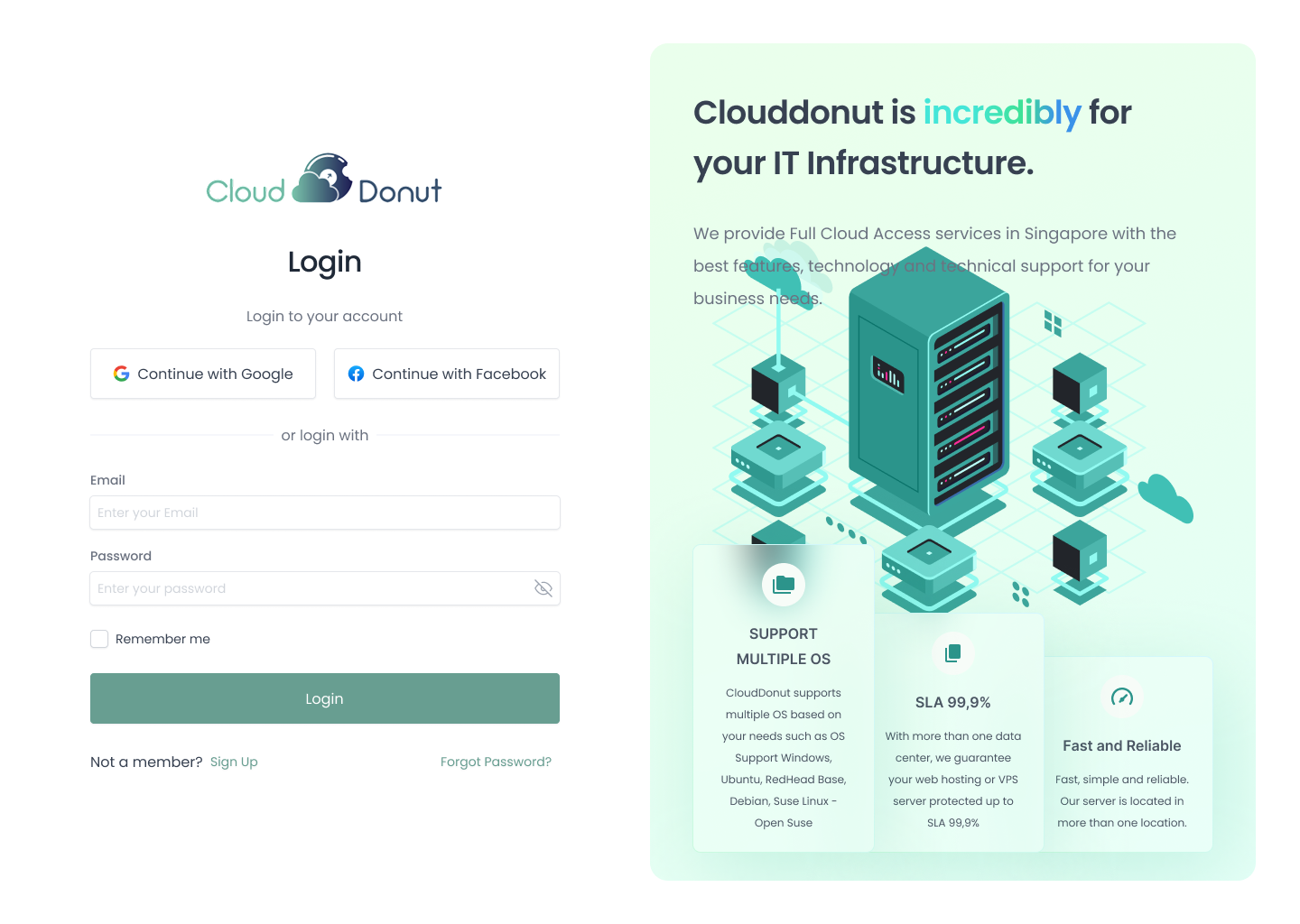
Mar – Jul 2023Designed with three focus areas: trustworthy simple visuals, easy-to-compare layout, and intuitive UI structure. Delivered handoff via Figma with annotations, flows, and specs.
- ·Trustworthy, simple visual design
- ·Layout that makes service comparison easy
- ·Intuitive UI structure for cloud concepts
- ·Figma link shared with annotations + specs
- ·User flow & screen transition diagrams
Design Quality Check
Jul 2023After implementation, I conducted UI verification to ensure the designed experience was faithfully reproduced in code.
- ·UI verification after implementation
- ·Design vs implementation diff check
- ·Responsive behavior confirmation
- ·Fine-tuning feedback to engineers
03 / Flow
Flow Design — Positive / Negative
For each feature, I structured both the success path and error states to align the development team's understanding.
Example: Password Change
Positive Flow
- 01Enter current password
- 02Enter new password
- 03Validation OK
- 04Change successful
- 05Show completion message
Negative Flow
- ✕Missing input / format error → show error, prompt re-entry
- ✕Current password mismatch → show error, prompt re-entry
- ✕New password condition unmet (e.g. too short) → show guide
- ✕Network error → show retry prompt
04 / Learnings
Key Learnings
01
Complex domains can be simplified through structure
Even with limited cloud computing knowledge, IA and user flow design enabled me to translate complex services into understandable interfaces.
02
Ambiguous projects need articulation + options
When scope is unclear, presenting options and facilitating decision-making prevents misalignment — the biggest risk in remote projects.
03
Remote quality depends on handoff design
Sharing not just screens but also specs, states, and flows improves implementation reproducibility and development speed.
04
Designers own design-implementation consistency
Post-implementation QA by the designer ensures the intended experience is faithfully reproduced in code.
05 / Outcome
Results & Impact
Faster development
30%
Improved Development Efficiency
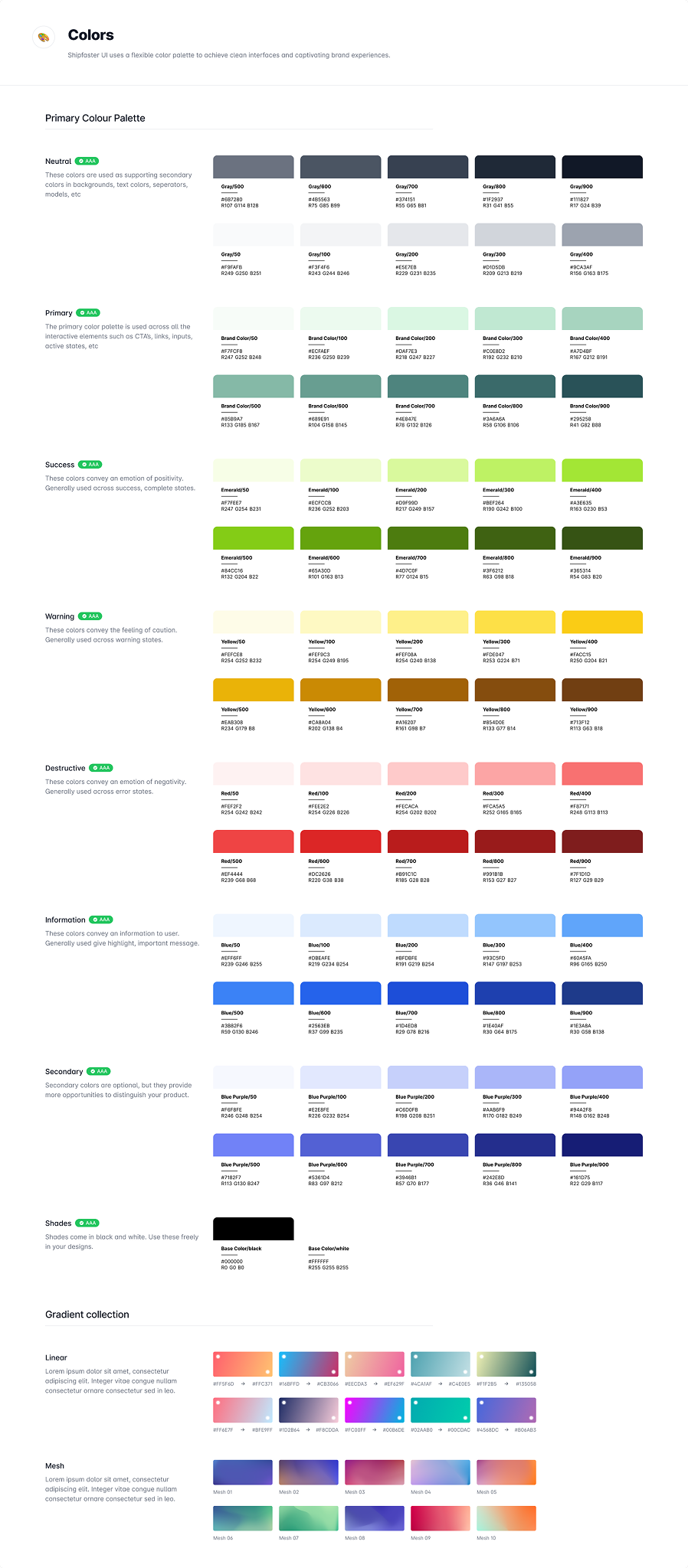
Precise design system and spec docs reduced rework significantly.
Manual needed
0
Reduced User Learning Cost
Intuitive visuals allowed new users to complete basic operations without a manual.
Responsive
100%
Design & Tech Balanced
Implementation constraints considered throughout — modern, performant UI achieved.
06 / Gallery
Visual Gallery
Tools
See more work on
Dribbble ↗