Mobile App · Internal
Internal Mobile App
Mobile App · Internal Tool · Product Design
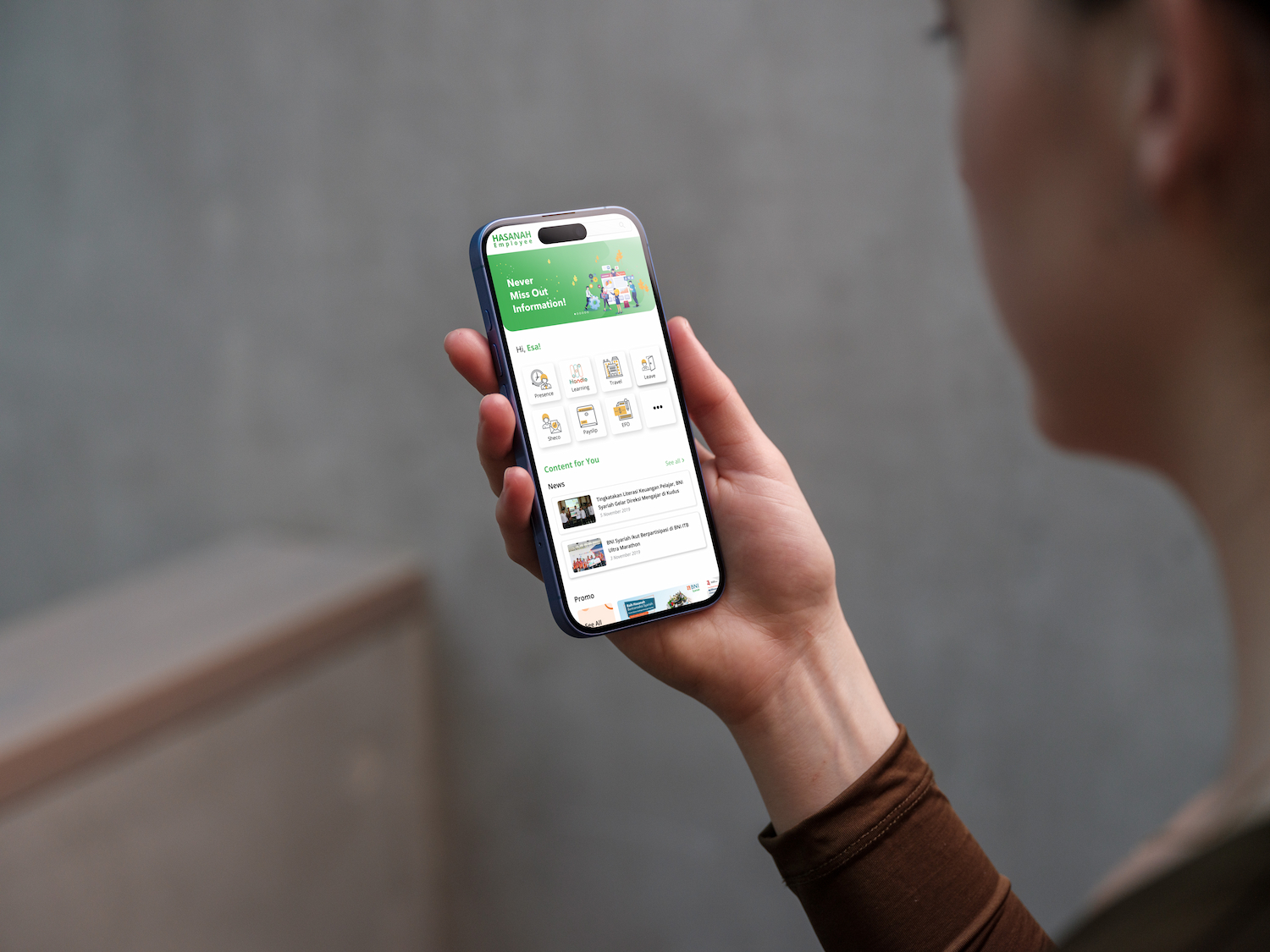
Designed an internal mobile application for BNI Syariah employees — covering onboarding, daily activity management, leave requests, approvals, payslip, and team collaboration features.
01 / Project Brief
Purpose, Role & Challenges
Purpose
- →Streamline daily internal workflows for BNI Syariah employees
- →Digitize leave requests, approvals, and payslip access
- →Improve team communication and activity tracking
My Role
- →End-to-end mobile UI design
- →User flow and screen design
- →Interactive prototype for internal testing
- →Design handoff to mobile engineering team
Challenges
- →Designing for a diverse internal user base with varying tech literacy
- →Covering complex HR workflows in a simple, approachable mobile UI
- →Ensuring role-based access is reflected clearly in the interface
02 / Process
Design Process
UI Design & Prototype
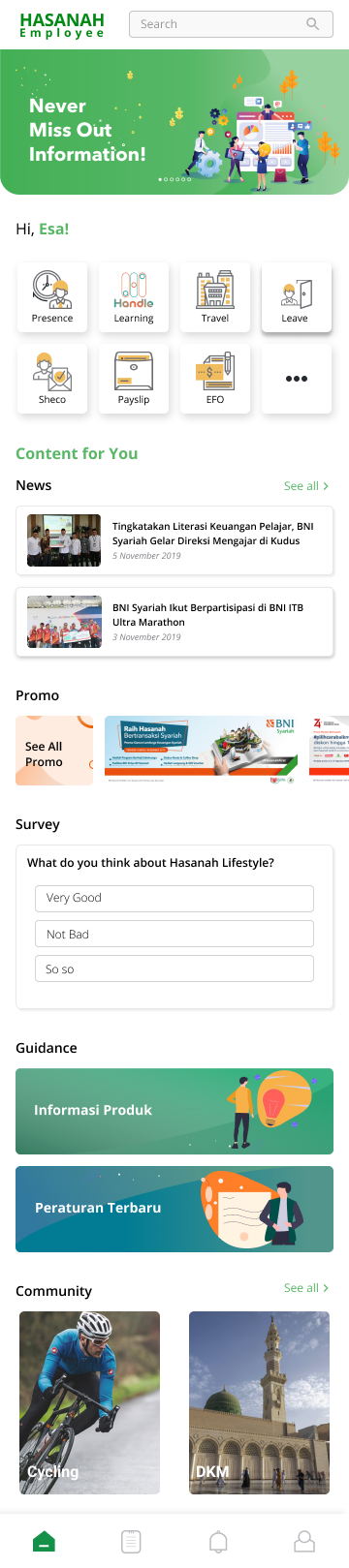
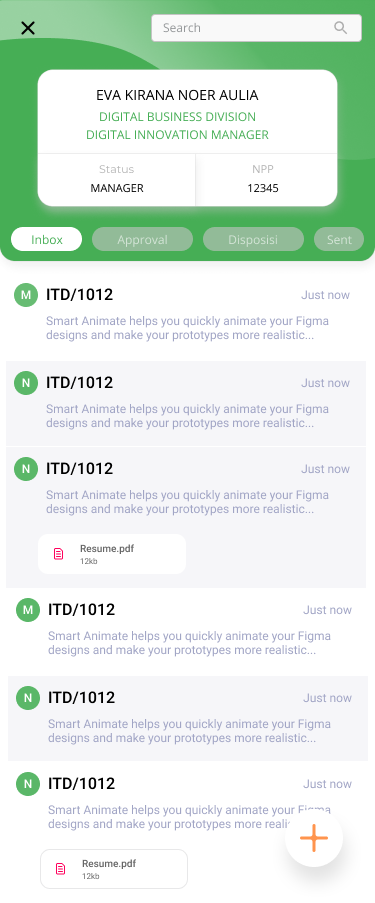
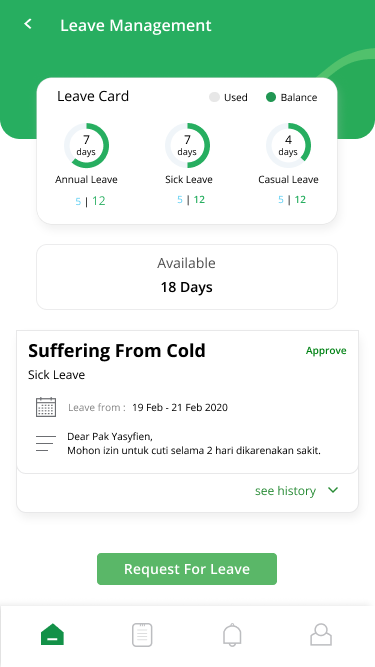
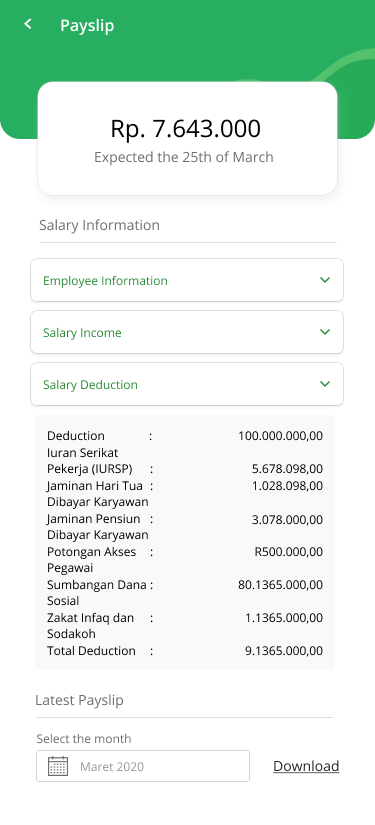
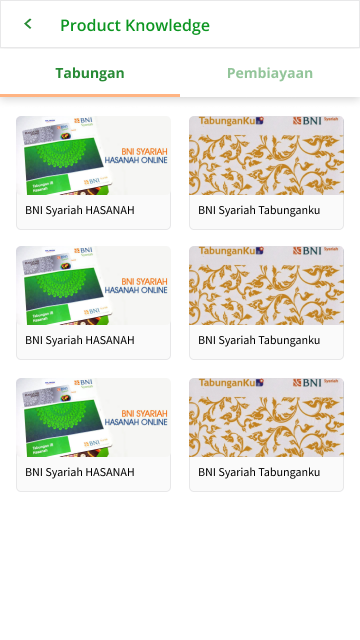
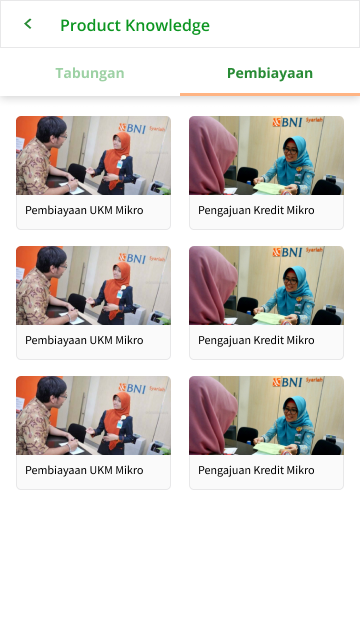
2019Designed the full internal app UI from onboarding to core HR features including leave management, approvals, payslip, and team tools.
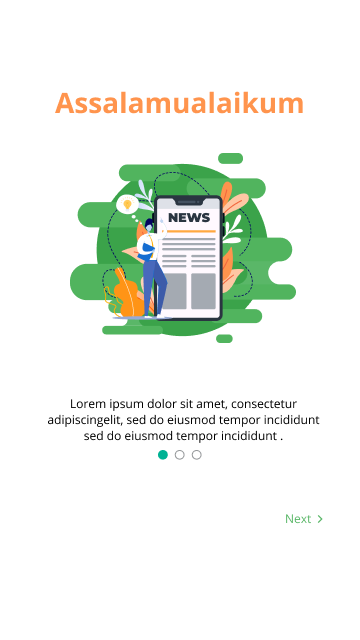
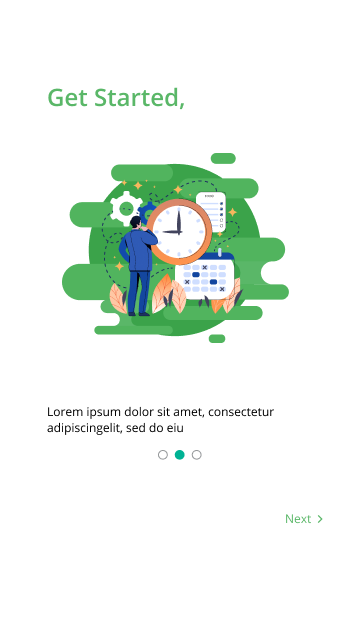
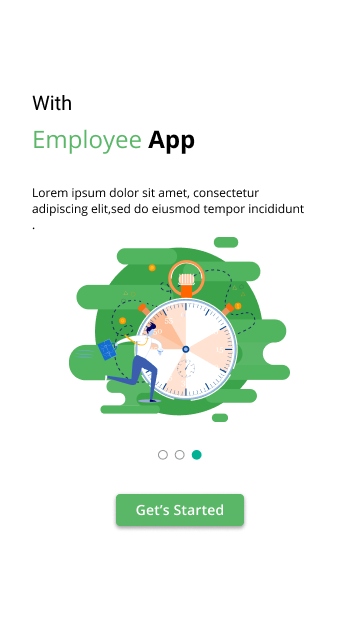
- ·Onboarding flow (3 screens)
- ·Home dashboard and inbox
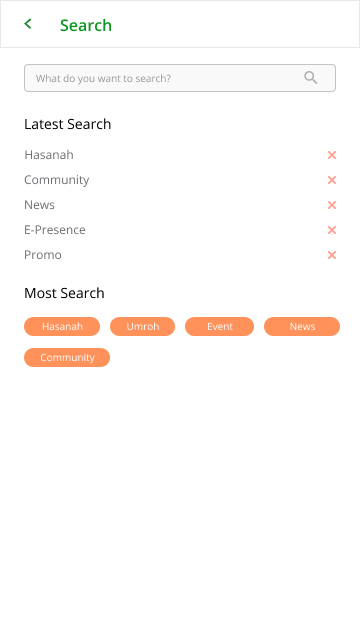
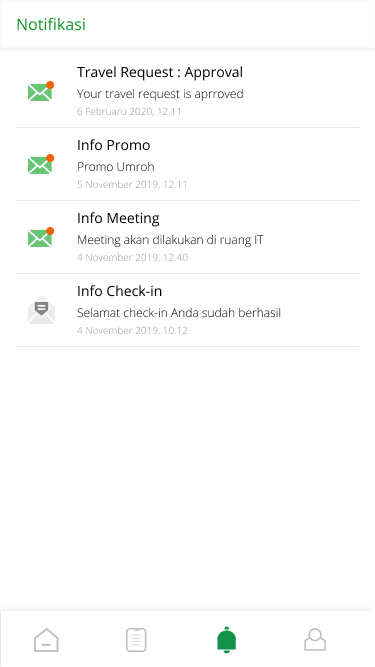
- ·Search and notifications
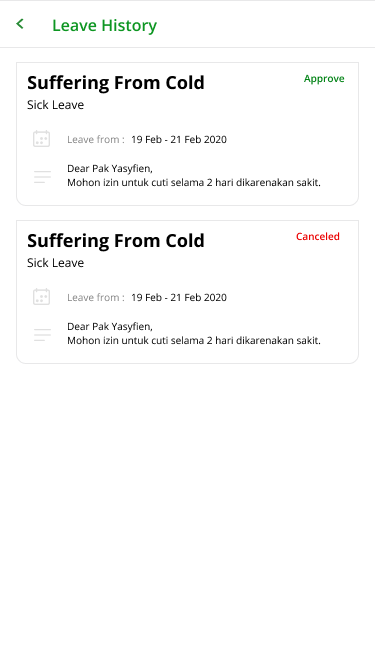
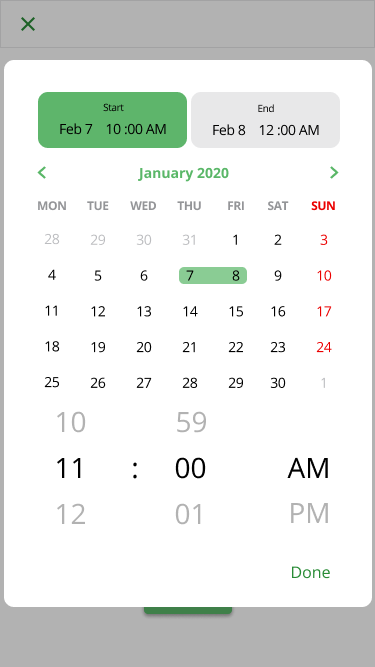
- ·Leave request and history
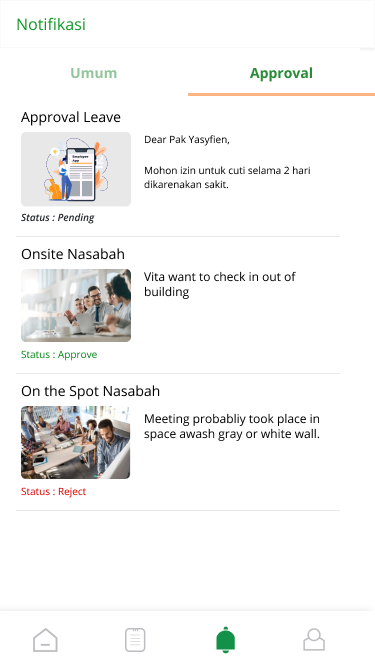
- ·Approval workflow
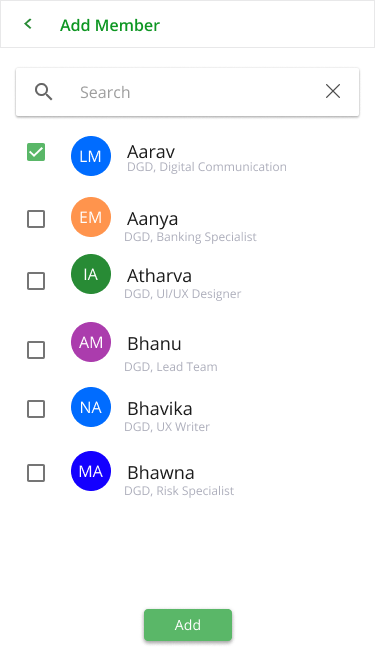
- ·Team member management
- ·Schedule and calendar views
- ·Payslip detail screen
03 / Flow
Flow — Leave Request & Approval
Designed a clear two-sided flow — employee submits request, supervisor receives notification and approves or rejects.
Example: Leave request journey
Positive Flow
- 01Employee opens Leave screen → selects date range
- 02Submits request → notification sent to supervisor
- 03Supervisor reviews → approves request
- 04Employee receives approval notification
Negative Flow
- ✕Overlapping leave dates → system shows conflict warning
- ✕Supervisor rejects → employee notified with reason
- ✕Missing required fields → inline validation prompts
04 / Learnings
Key Learnings
01
Internal tools need clarity over aesthetics
Employees use internal apps under time pressure — reducing cognitive load and providing clear status indicators was more impactful than visual polish.
02
Role-based UI requires careful information hierarchy
Different roles (employee vs. supervisor) see different actions — designing this clearly without separate apps required thoughtful hierarchy and contextual display.
05 / Outcome
Results & Impact
Process efficiency
↑↑
Digitized HR Workflows
Leave requests, approvals, and payslip access moved from manual processes to a unified mobile experience.
Mobile-first
100%
Mobile-First Internal Tool
Designed exclusively for mobile, enabling employees to manage tasks on the go.
06 / Gallery
Visual Gallery
Tools
See more work on
Dribbble ↗