Mobile App · Product Design
Building Booking Travel App
Mobile App · Product Design · Prototype
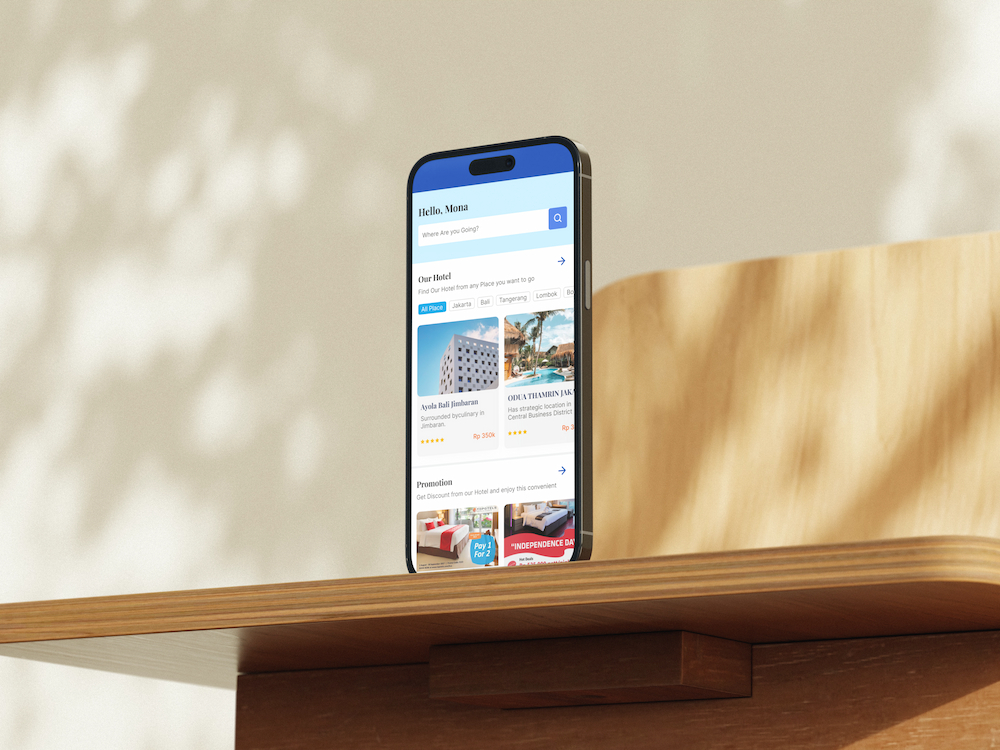
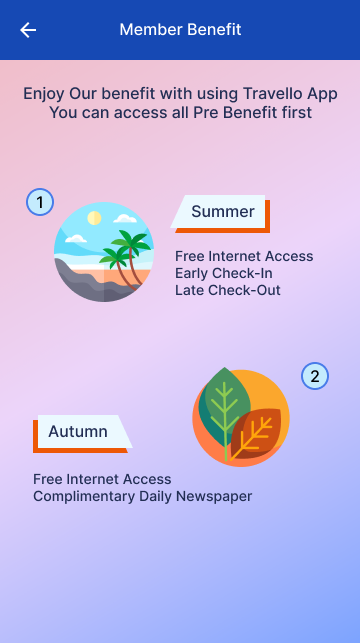
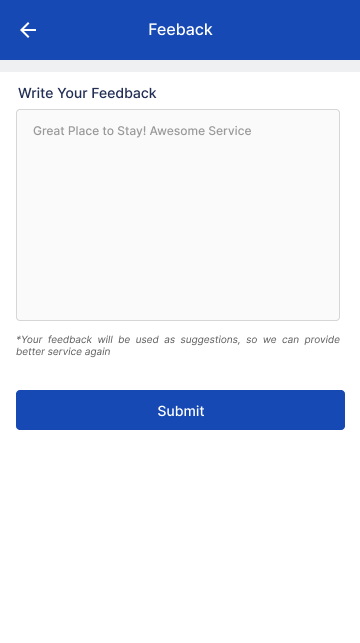
Designed a full-featured mobile booking travel app from scratch — covering onboarding, search, booking flows, payment, and post-booking management. The project focused on creating an intuitive end-to-end travel experience for mobile users.
01 / Project Brief
Purpose, Role & Challenges
Purpose
- →Design a seamless mobile travel booking experience
- →Cover full user journey from search to post-booking
- →Build a clickable prototype for stakeholder validation
My Role
- →End-to-end mobile UI design
- →User flow and screen transition design
- →Interactive prototype creation
- →Design handoff documentation
Challenges
- →Designing a complex multi-step booking flow for small screen constraints
- →Balancing information density with ease of navigation on mobile
- →Creating a consistent visual language across many screen types
02 / Process
Design Process
UI Design & Prototype
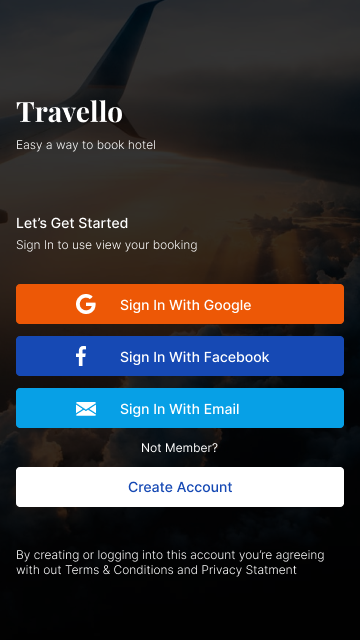
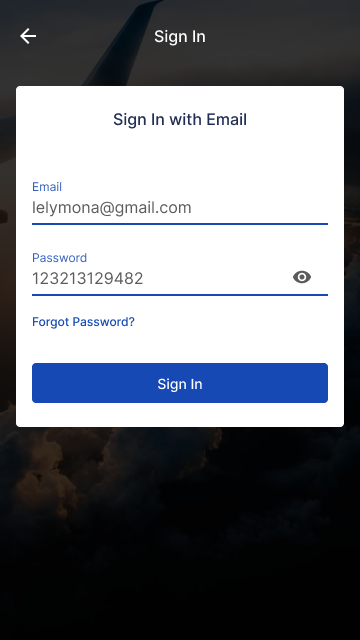
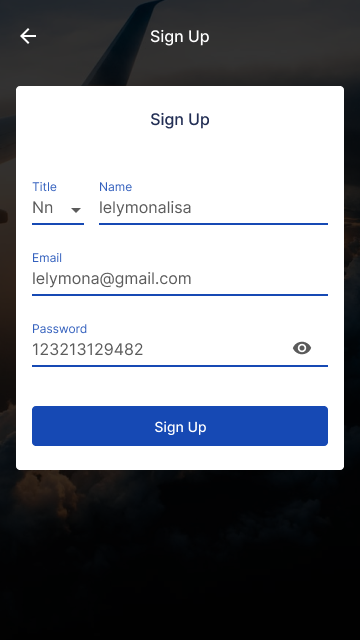
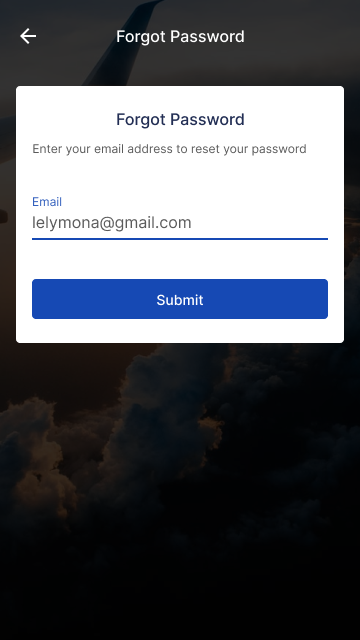
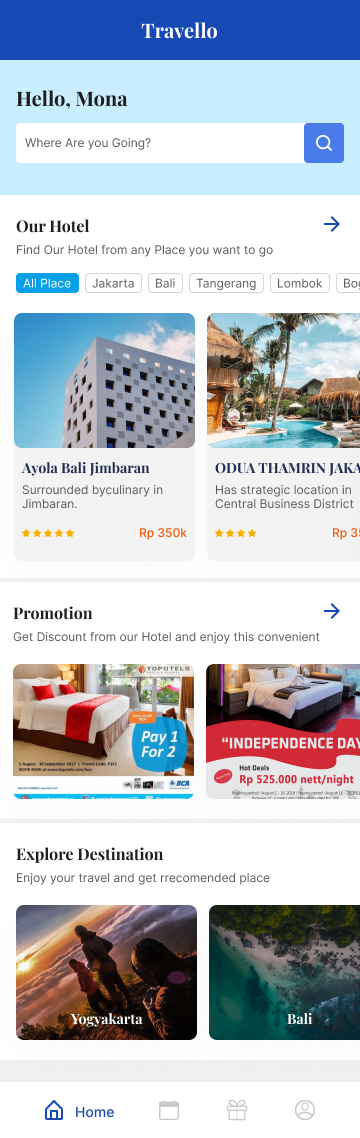
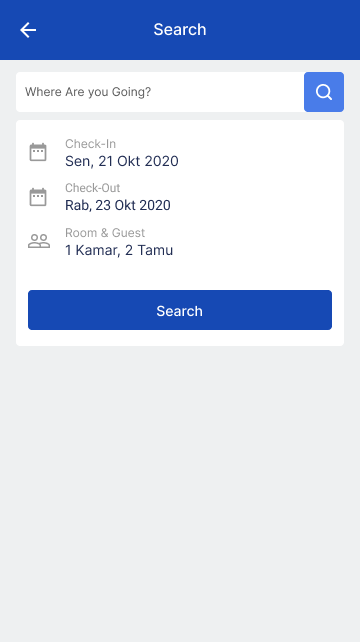
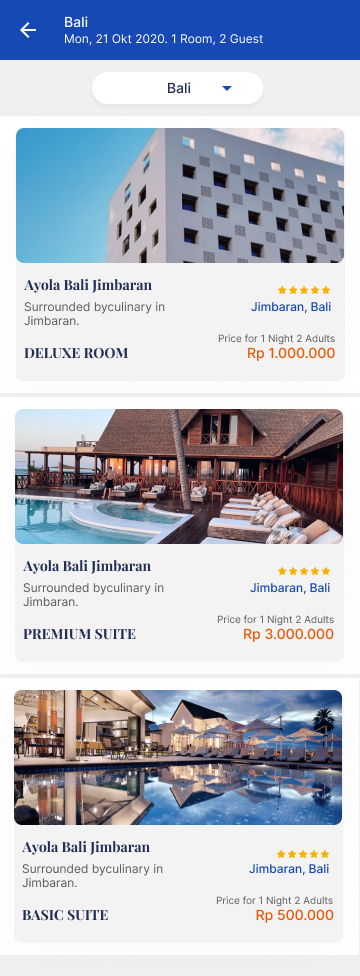
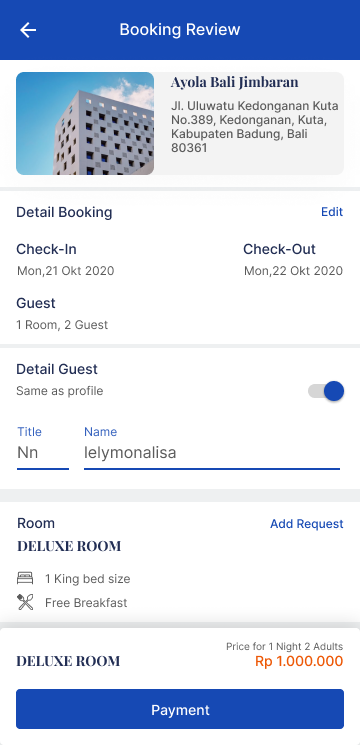
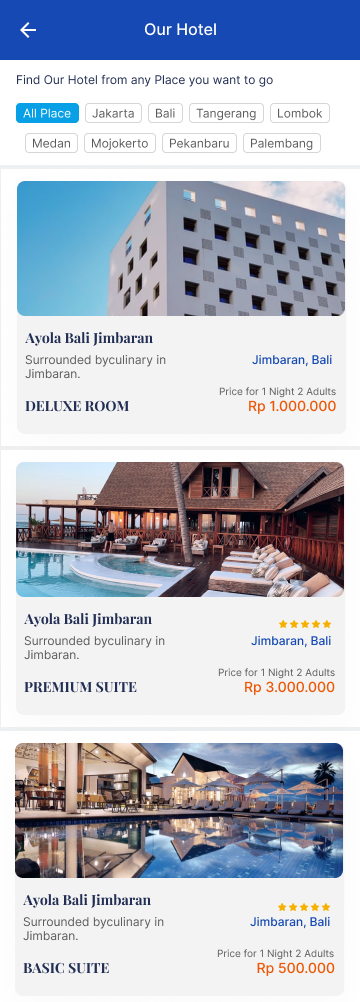
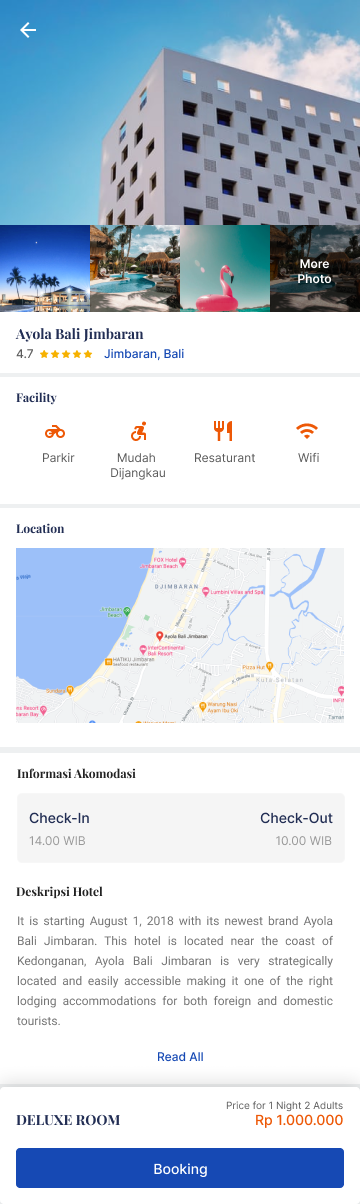
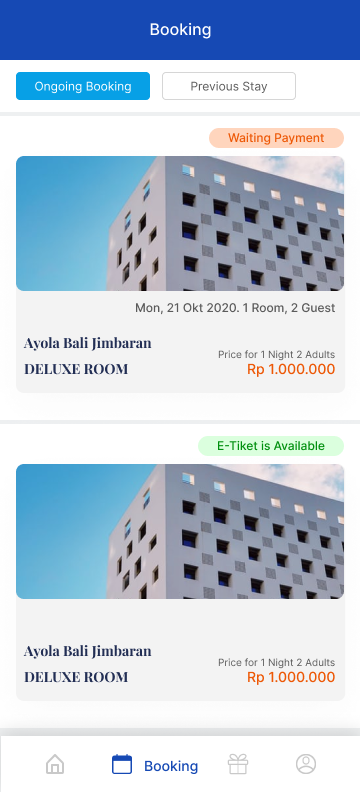
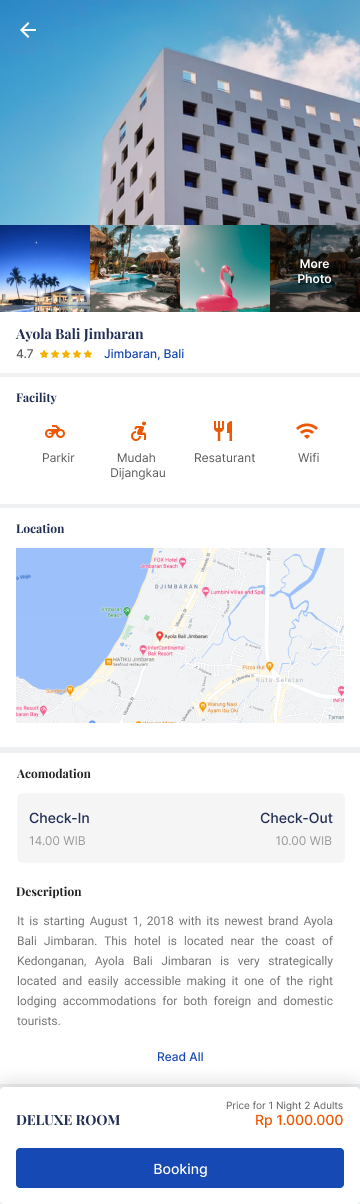
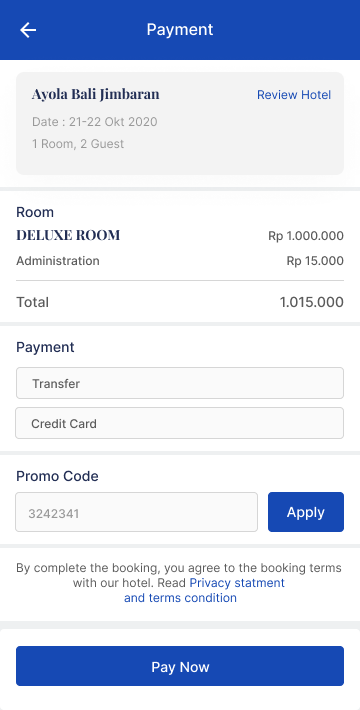
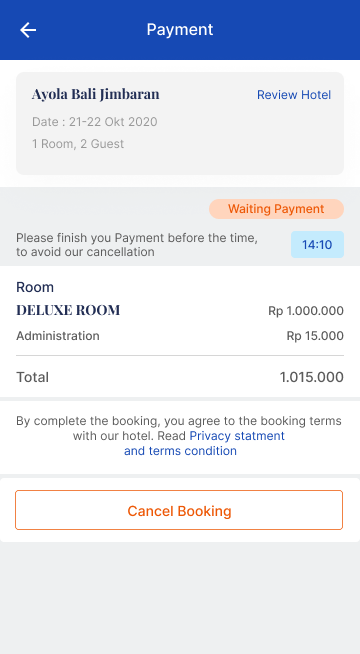
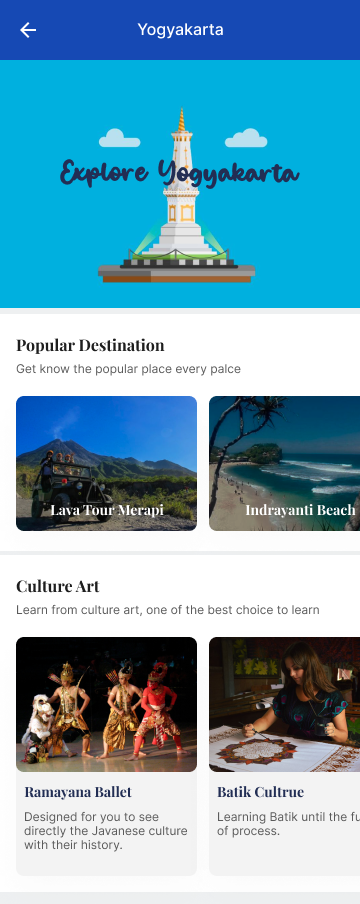
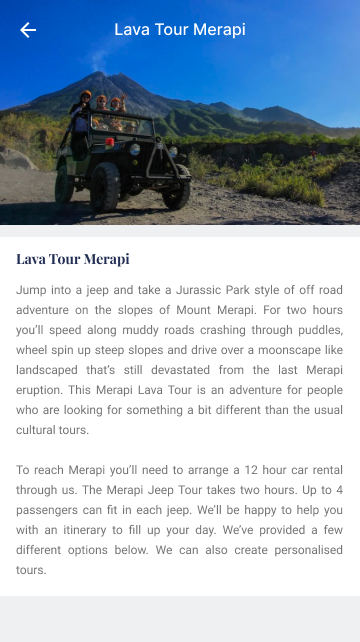
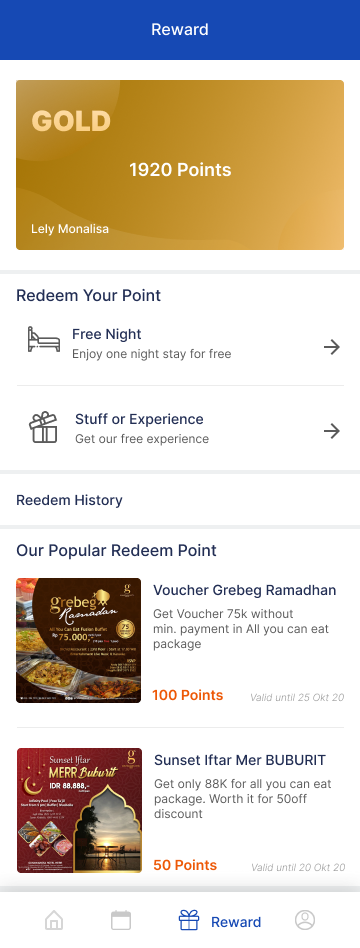
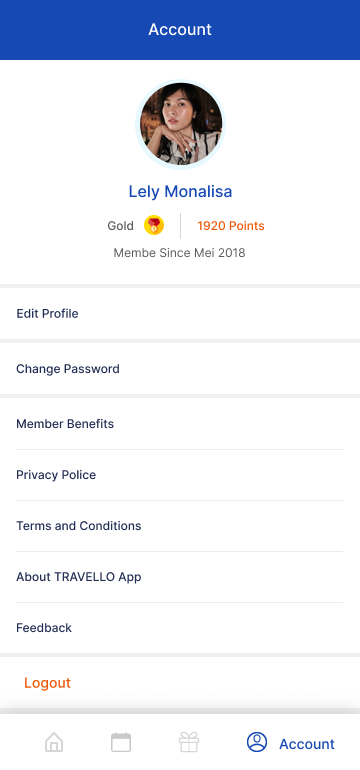
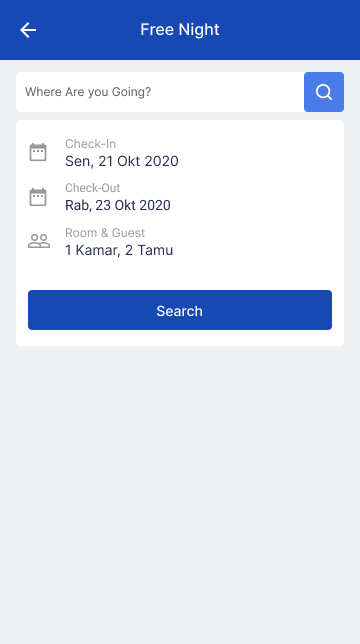
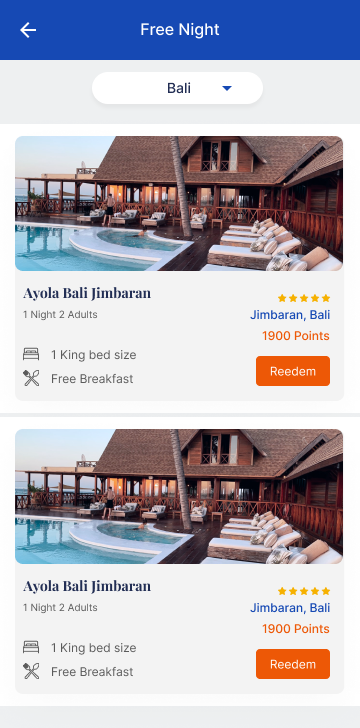
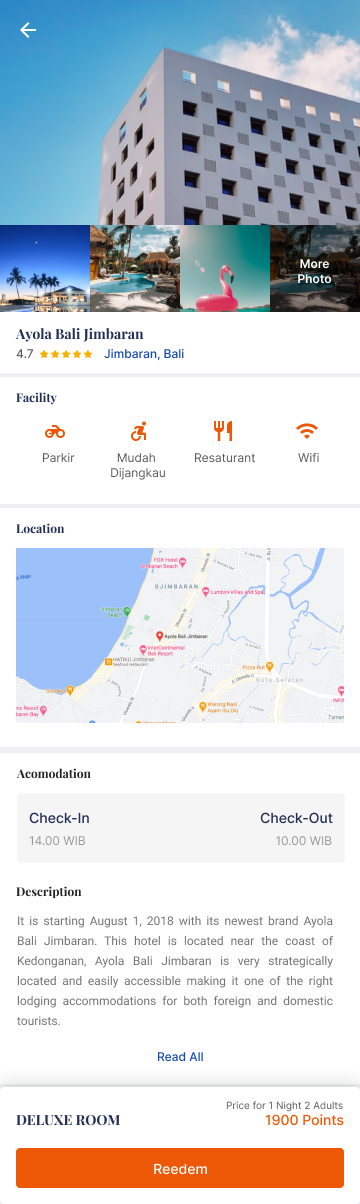
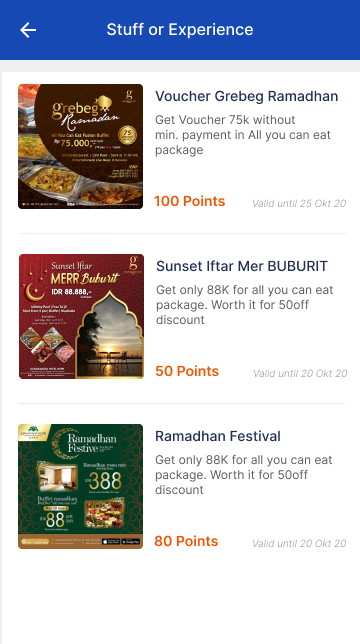
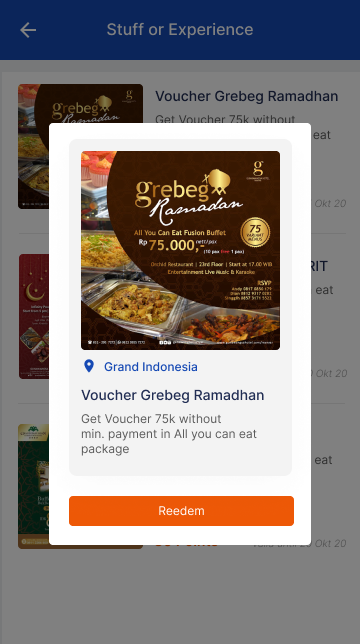
2020Designed the complete mobile app UI covering all major user flows including onboarding, search, booking, payment, and account management.
- ·Onboarding and authentication screens
- ·Search and filter flows
- ·Booking and reservation screens
- ·Payment and checkout flow
- ·Post-booking management
- ·Account and profile screens
- ·Clickable prototype for user testing
03 / Flow
Flow — Search to Booking
Designed a streamlined flow from destination search to booking confirmation.
Example: Travel booking journey
Positive Flow
- 01Open app → onboarding / login
- 02Search destination → browse results
- 03Select option → view detail
- 04Confirm booking → payment
- 05Payment success → booking confirmation
Negative Flow
- ✕No results → suggest alternatives or adjust filters
- ✕Payment failed → retry with clear error message
- ✕Booking expired → restart flow with saved inputs
04 / Learnings
Key Learnings
01
Mobile constraints drive better design decisions
Designing for small screens forces clarity — every element must earn its place, resulting in a cleaner, more focused experience.
02
Prototype early to validate flow assumptions
Building a clickable prototype revealed flow issues that static designs couldn't surface, saving significant rework downstream.
05 / Outcome
Results & Impact
Screens designed
27+
Complete Screen Coverage
Designed 27+ screens covering every major user flow in the app.
Prototype ready
100%
Clickable Prototype
Full interactive prototype delivered for stakeholder review and user testing.
06 / Gallery
Visual Gallery

Tools
See more work on
Dribbble ↗